01 / Plans
Plans that
take shape
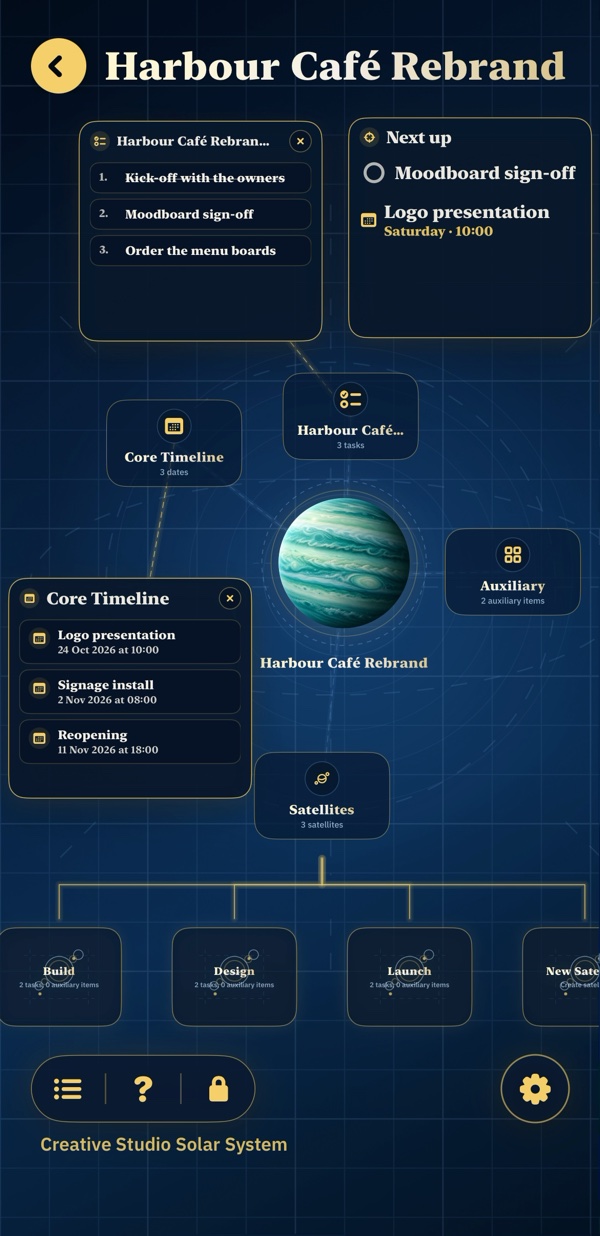
Give each project its own planet, then break it into manageable steps.
- Tasks and subtasks
- Notes, files and trackers
- Satellites for larger projects
A personal organizer for iPhone & iPad
Bring your plans, tasks, calendar, journal and people together. PlanIT gives everything a place, with each plan represented by a planet.
View on the App StoreWorks offline. No account required. Your data stays on your device.
Explore your universeFour parts of everyday life
Keep the details together, from a project’s first step to the people and moments around it.
01 / Plans
Give each project its own planet, then break it into manageable steps.
02 / Your day
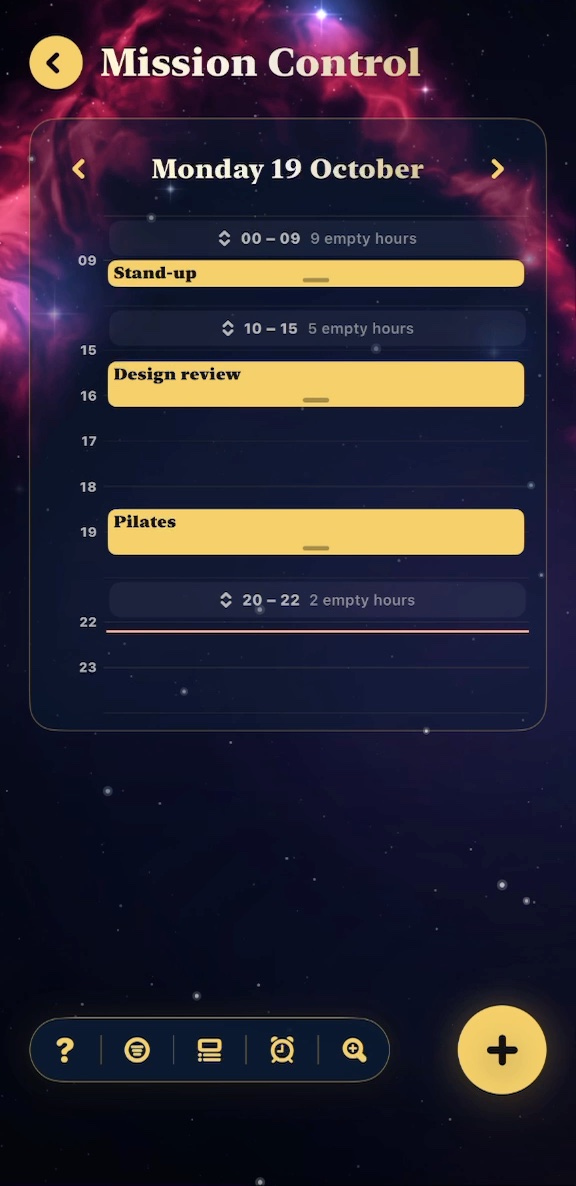
See what needs doing and what’s coming up across your plans.
03 / Journal
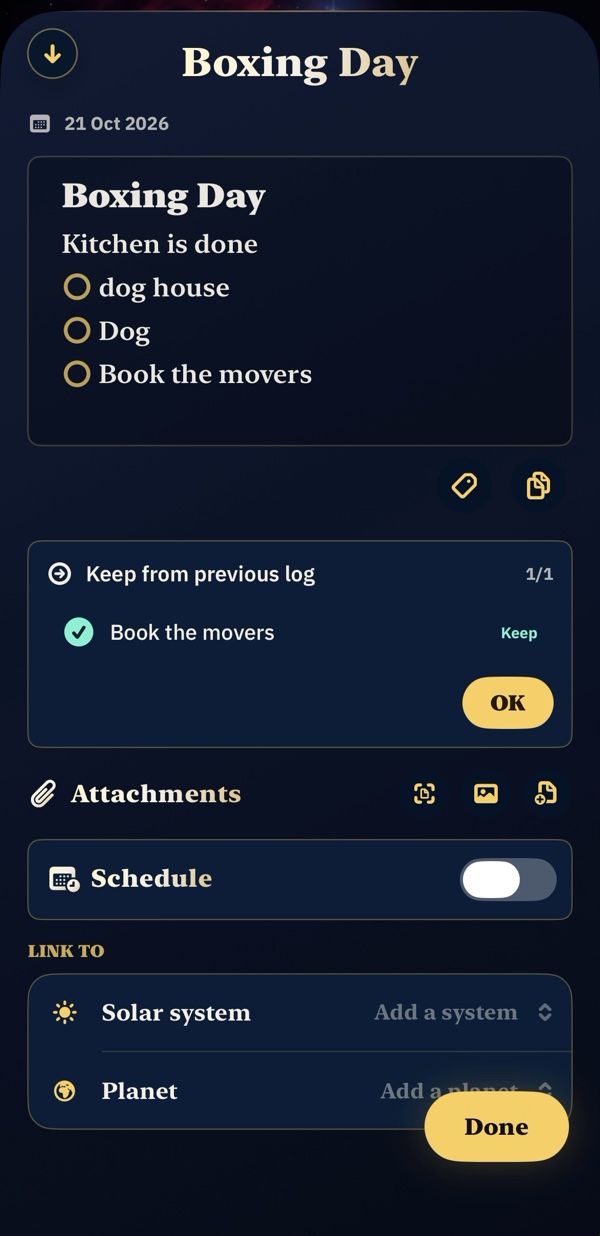
Keep a journal of your days, with the details you want to remember.
04 / People
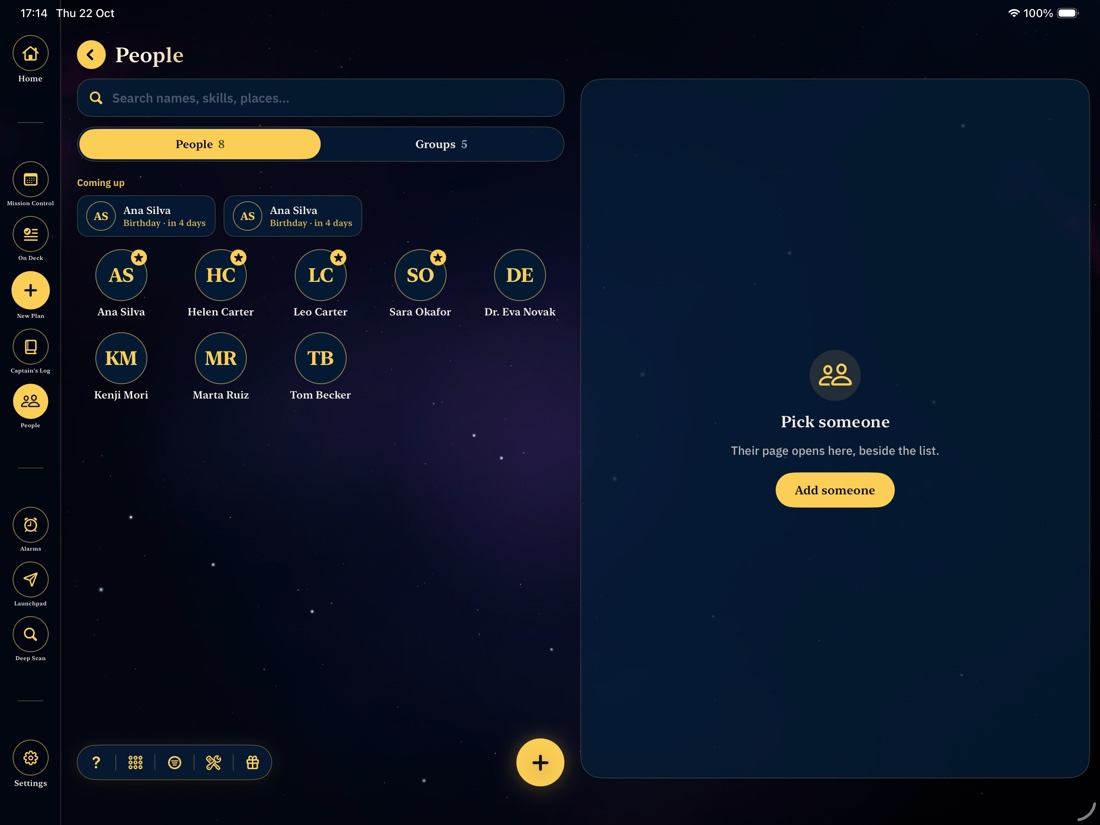
Keep useful details and shared commitments close to the people they belong to.
Explore PlanIT
From a quick thought to a project taking shape. Choose a topic and take a closer look.
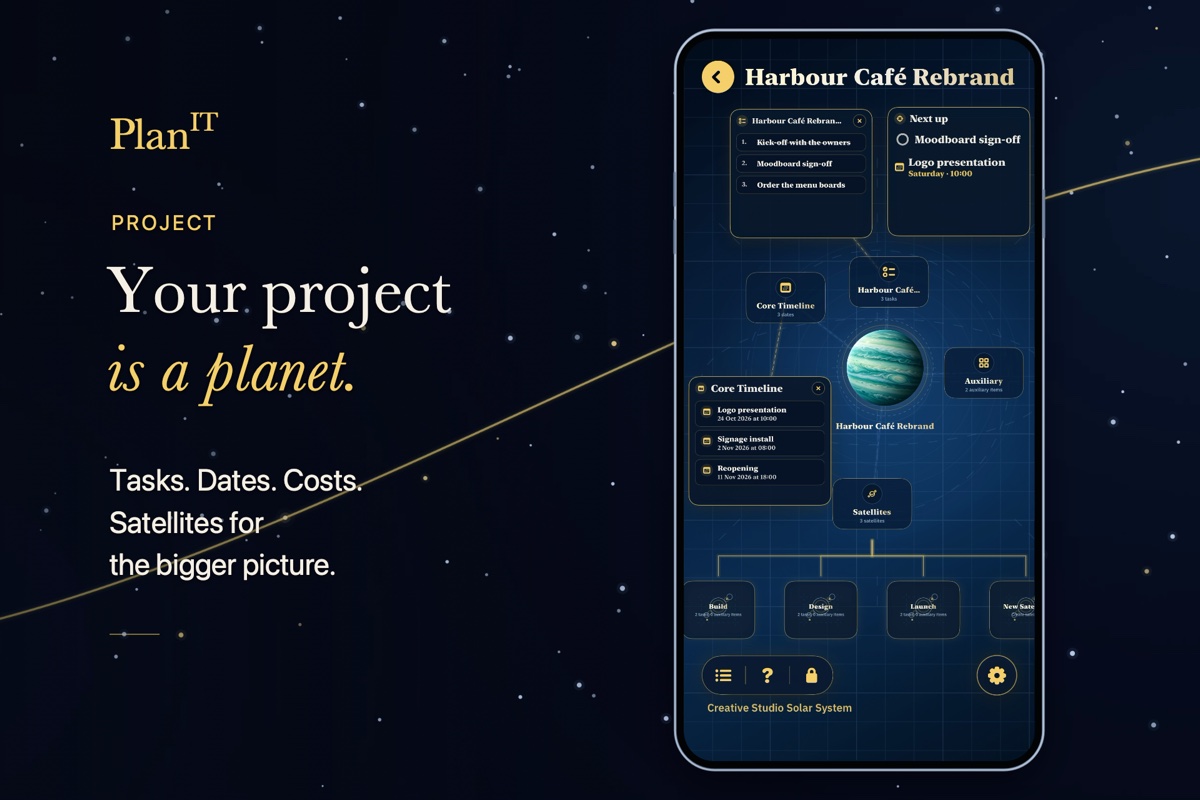
Tasks, dates, costs and satellites, together on a plan’s board.
The same universe. More room.
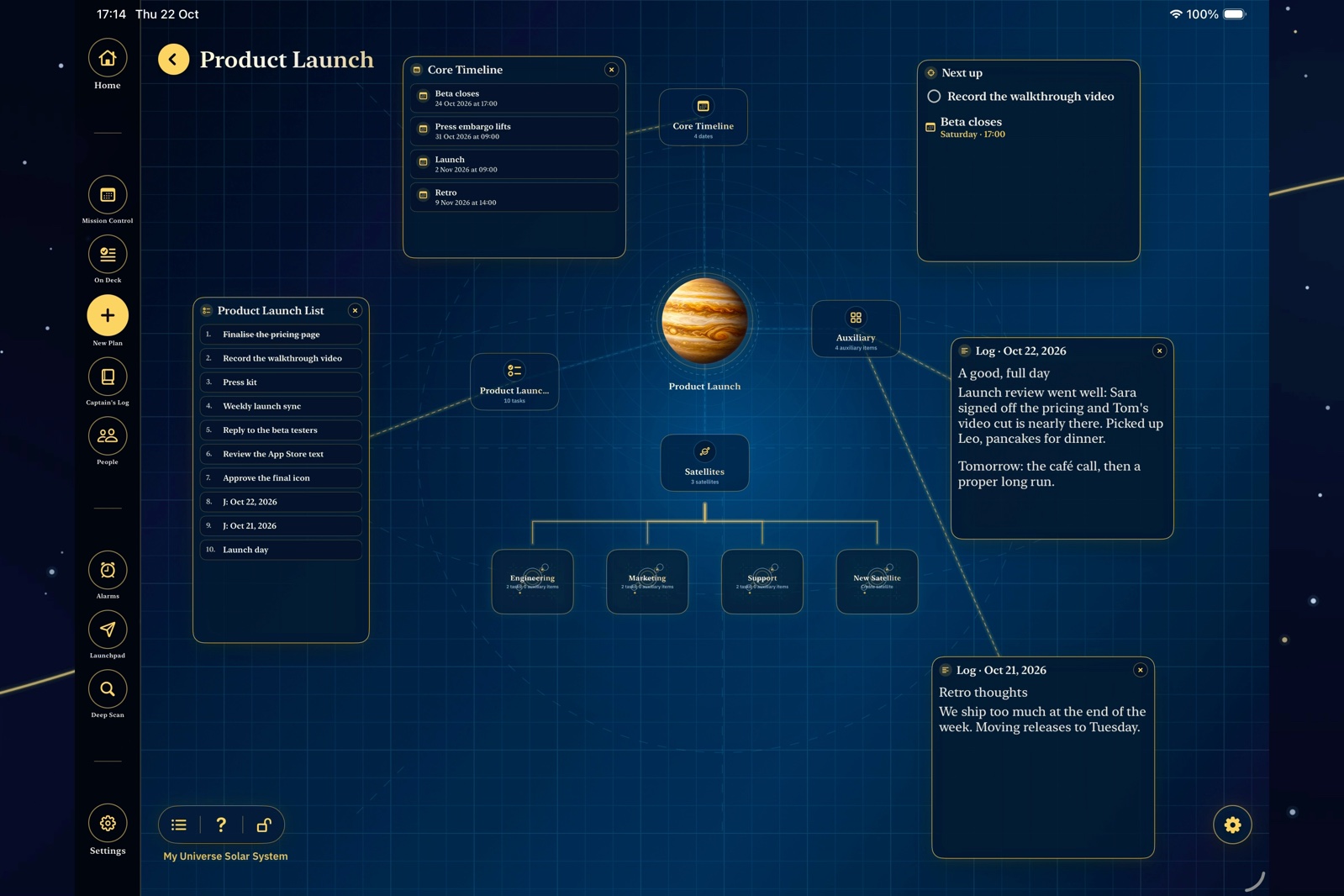
Bring your plans to the bigger screen. See your board, tasks, Journal and people in a layout made for iPad.
Launchpad & Deep Scan
01 / Launchpad
Write a task, thought, date or alarm. Launchpad suggests where it belongs.
Things you can write
02 / Deep Scan
Search across your plans, tasks, notes, files, journal and people without remembering where you put something.
Deep Scan brings the pieces back into view.
Made for everyday use
Private by design
PlanIT has no account, server or automatic cross-device sync.
A few practical things
No. You can start using PlanIT without creating an account.
Yes. Your plans, tasks, calendar, journal and people are available offline.
No. PlanIT doesn’t automatically sync between devices. You can move your data using an exported backup.
No. PlanIT is a one-time App Store purchase. Visit its App Store listing for current pricing.
Read the Field Guide online, open it in the app, hold a button for an explanation, or visit the support page. For problems, requests or anything else about PlanIT, get in touch.
Let’s hear it
Get in touch about any problem, feature request or question about PlanIT. Suggestions, feedback and anything else you’d like to share are welcome too.
Your next step
One purchase. A universe of your own.